Ozhivai AI

Ozhivai AI

Turn a photo into viral AI video content

Create creator-ready social video in minutes without a complicated editing workflow.

  • Minutes, not days

    Short path from idea to clip.

  • No editing suite

    Skip timelines and keyframes.

  • Social-first

    Formats that feel at home in feeds.

See it in action

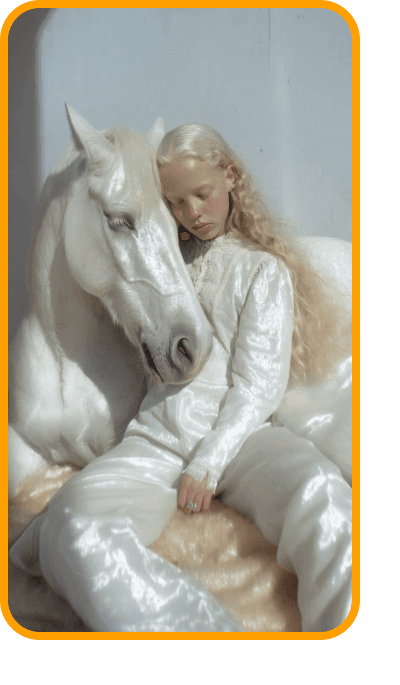
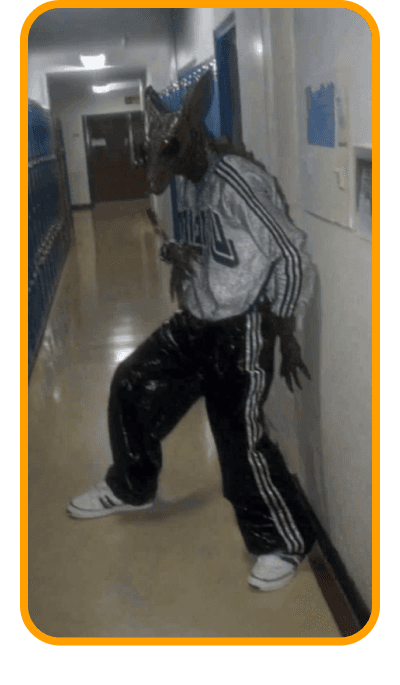
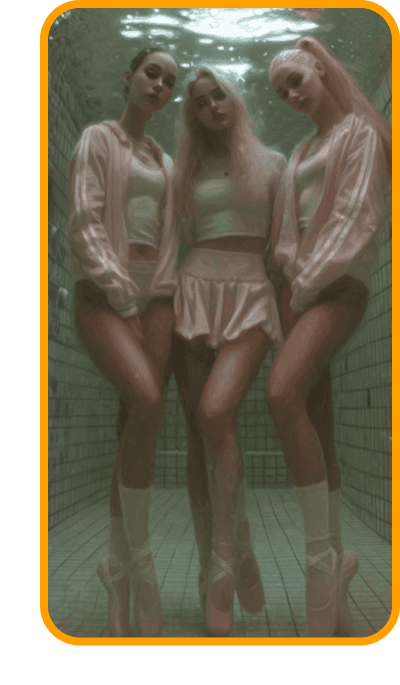
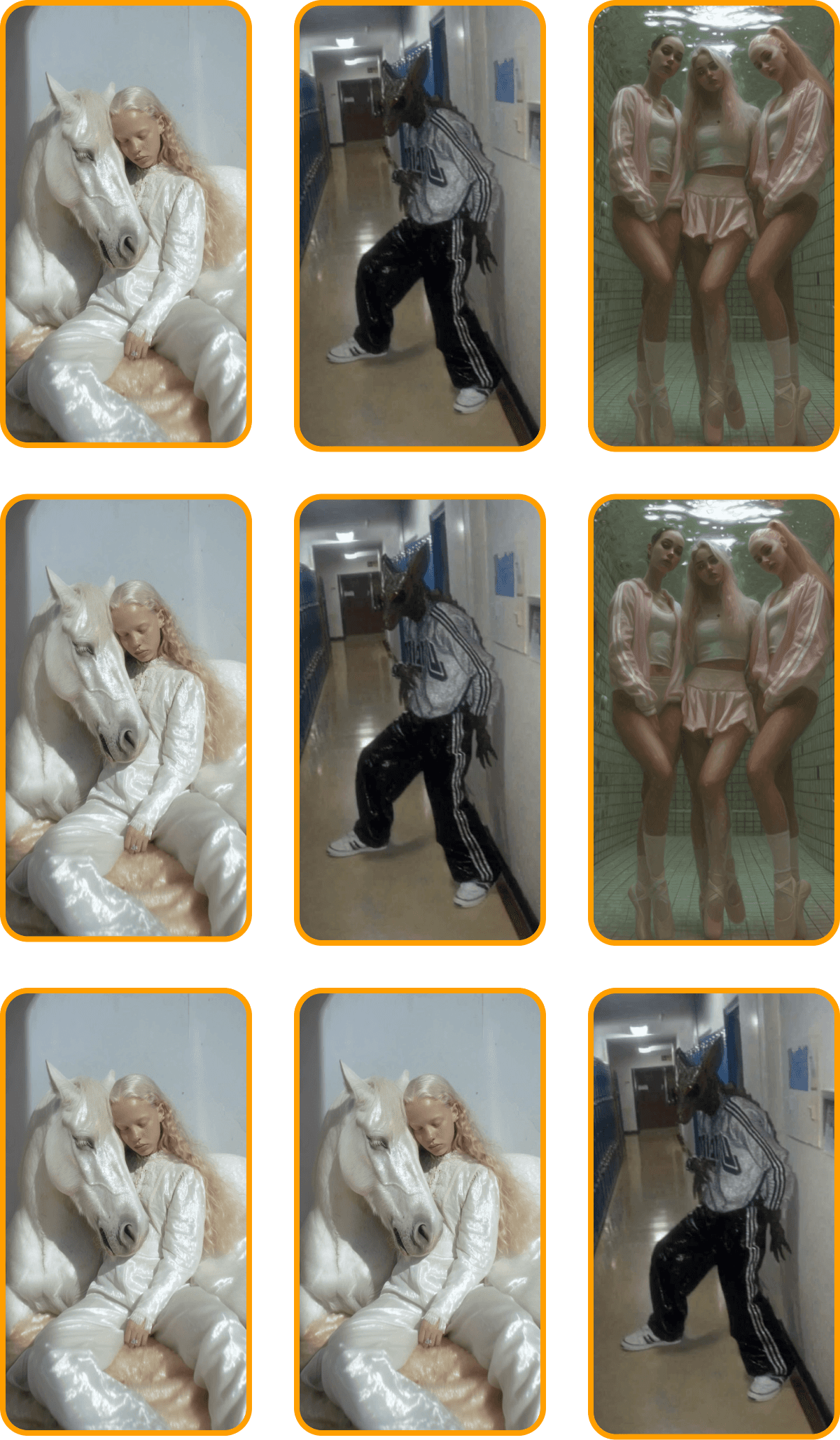
Short, dynamic clips built from your frames — ready to post to Reels, Shorts, TikTok, or Stories.

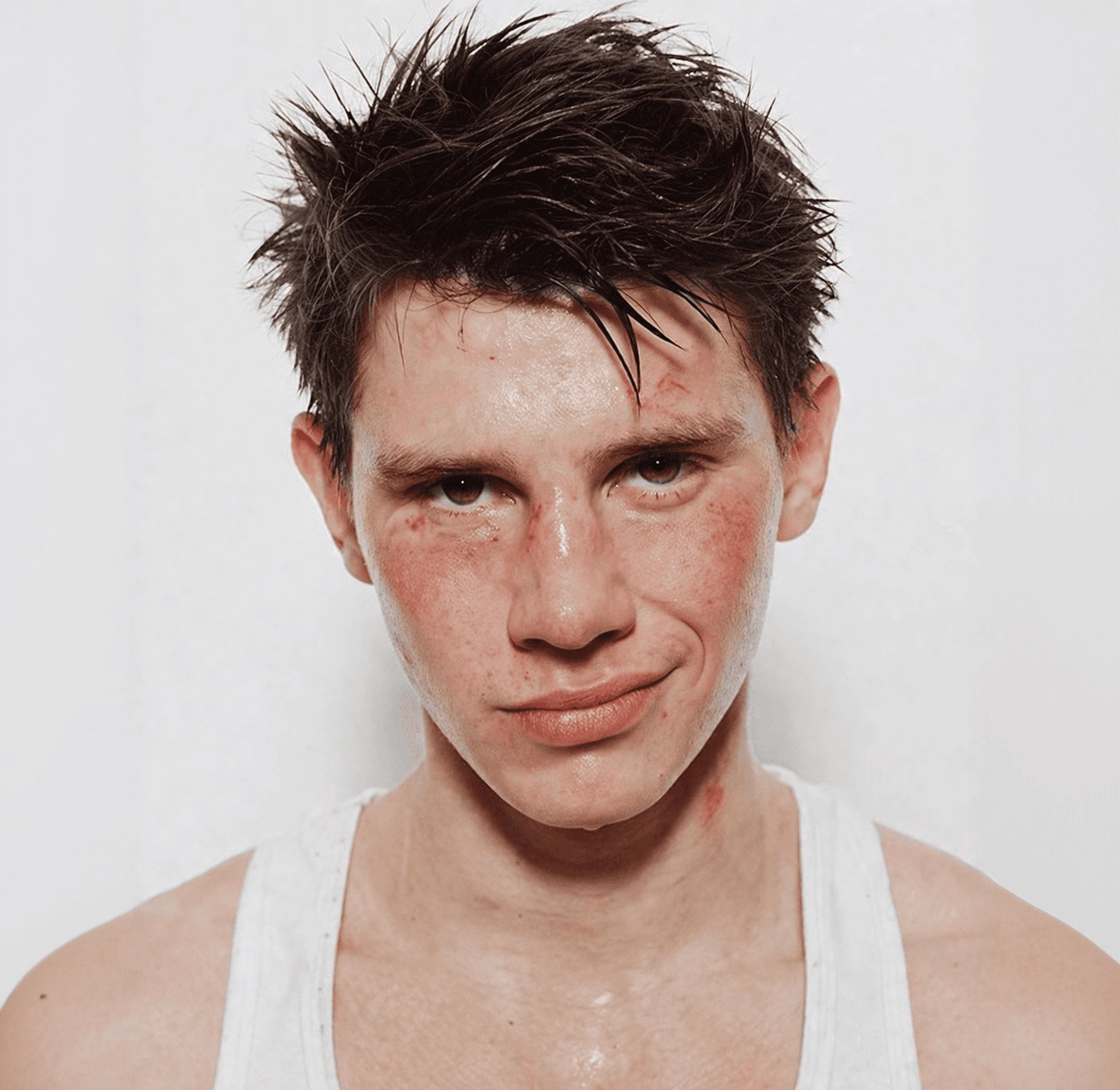
The frames below are stylized preview posters, not finished reels. Real output is created in the app.

Demo coming soon

We’ll add sample reels here; for now open the app and create your first clip.

How it works

Three steps — and your clip is feed-ready.

  1. Upload a photo

    Choose a frame and set the mood: bright, calm, or bold.

  2. Generate video

    AI assembles motion, rhythm, and visual style to match your prompt.

  3. Download and publish

    Export the file and post to Reels, Shorts, TikTok, or Stories.

Who it’s for

  • Creators and bloggers

    Fresh content from your photo archive without a full shoot day.

  • Small business

    Show products, storefronts, or your team in motion — fast and eye-catching.

  • Personal stories

    Gifts, travel, portraits — turn stills into emotional, shareable video.

FAQ

What does Ozhivai AI do?

The service turns your photos into short AI video clips tuned for social feeds — without manual editing.

Do I need video editing experience?

No. You upload material and set direction; generation handles the rest.

Where can I post the finished video?

Anywhere you like: Instagram, YouTube Shorts, TikTok, VK, and more — the format stays yours.

How much does it cost?

Current plans and limits are in the app at app.ozhiv.ai. This site presents the product; billing happens there.

How are my photos handled?

Only use content you have rights to. Details are in the privacy policy and terms of service.

Ready to refresh your feed?

Open the app, upload a photo, and get your first clip in minutes.

Go to app